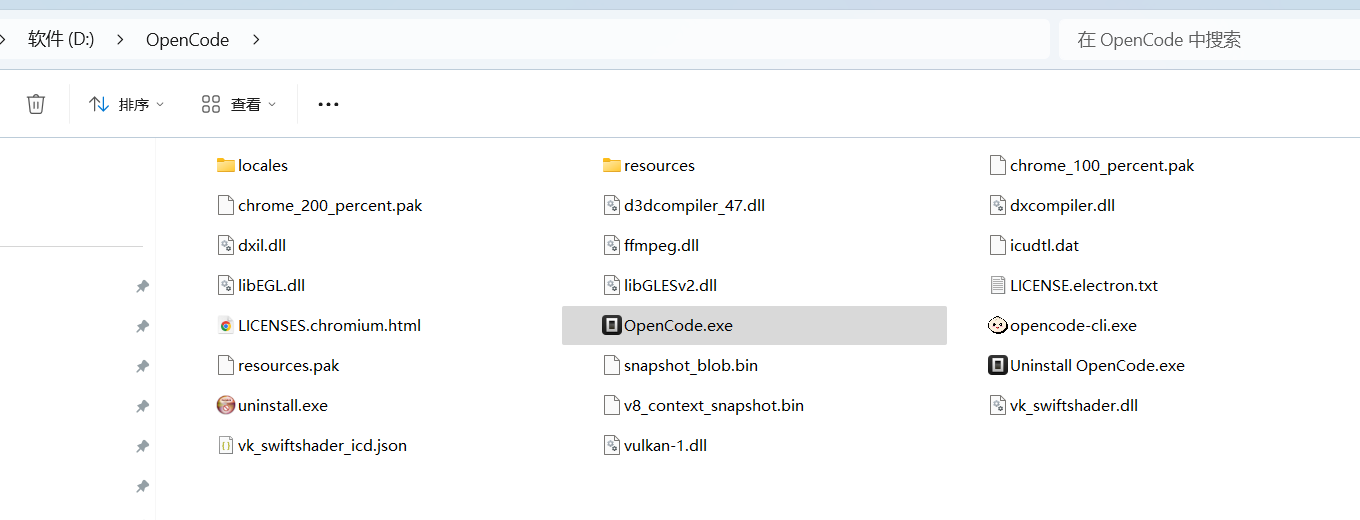
最近更新到最新版本opencode 1.14.39,惊险opencode的奇葩BUG,windows下无法正常打开界面,通过命令行启动opencode 发现日志中限制gpu处理失败。
C:\Users\Administrator>opencode

C:\Users\Administrator>
(node:14372) ExperimentalWarning: SQLite is an experimental feature and might change at any time
(Use `opencode --trace-warnings ...` to show where the warning was created)
20:50:57.573 > app starting { version: '1.14.39', packaged: true }
20:50:57.659 > tauri migration: already done, skipping
20:50:57.664 > auto updater configured {
  channel: 'latest',
  allowPrerelease: false,
  allowDowngrade: true,
  currentVersion: '1.14.39'
}
20:50:57.682 > sidecar connection started { url: 'http://127.0.0.1:62151' }
20:50:57.683 > spawning sidecar { url: 'http://127.0.0.1:62151' }
[14372:0506/205058.283:ERROR:content\browser\gpu\gpu_process_host.cc:990] GPU process launch failed: error_code=18
[14372:0506/205058.361:ERROR:content\browser\gpu\gpu_process_host.cc:990] GPU process launch failed: error_code=18
[14372:0506/205058.424:ERROR:content\browser\gpu\gpu_process_host.cc:990] GPU process launch failed: error_code=18
[14372:0506/205058.453:ERROR:content\browser\gpu\gpu_process_host.cc:990] GPU process launch failed: error_code=18
[14372:0506/205058.486:ERROR:content\browser\gpu\gpu_process_host.cc:990] GPU process launch failed: error_code=18
[14372:0506/205058.517:ERROR:content\browser\gpu\gpu_process_host.cc:990] GPU process launch failed: error_code=18
[14372:0506/205058.517:FATAL:content\browser\gpu\gpu_data_manager_impl_private.cc:417] GPU process isn't usable. Goodbye
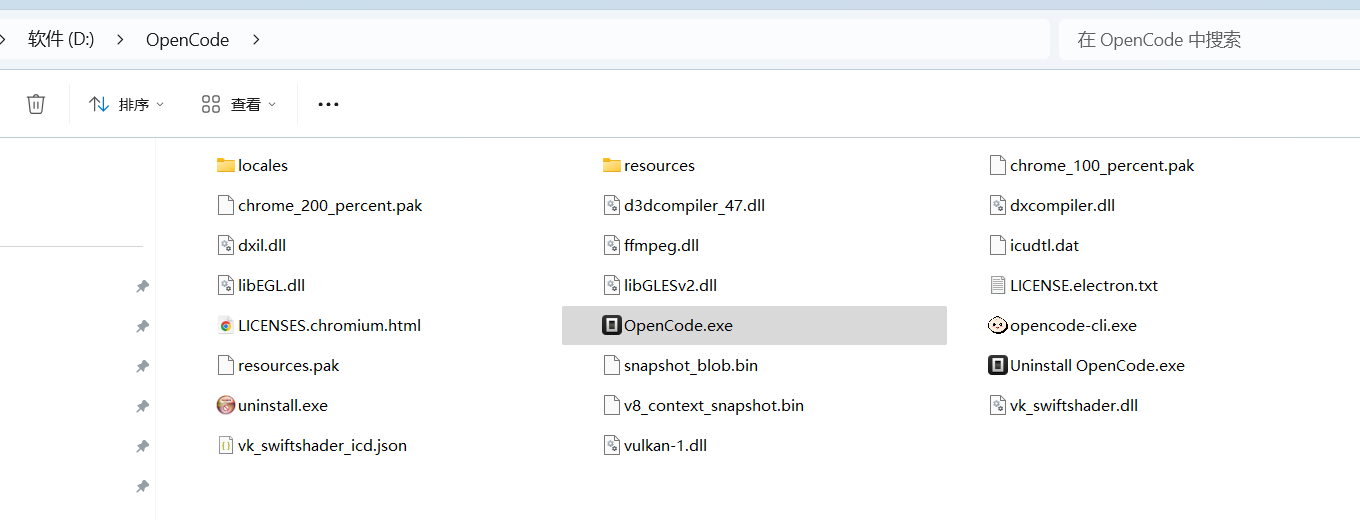
打开opencode安装目录,发现 原来三个文件,现在多了很多dll问题,
在命令行中设置环境变量:
cmd
set OPENCODE_DISABLE_GPU=1
opencode
或者永久设置:
cmd
setx OPENCODE_DISABLE_GPU 1
cmd
opencode --no-sandbox --disable-gpu
# 实际测试,这样也行
opencode --no-sandbox
访问你的显卡制造商网站(NVIDIA/AMD/Intel)
下载并安装最新的显卡驱动
cmd
# 右键点击命令提示符,选择"以管理员身份运行"
opencode
cmd
# 查看是否有缺失的运行时
dependencies
cmd
# 完全卸载后重新安装最新版本
如果上述方法都不行,可以尝试:
关闭其他正在运行的 GPU 密集型程序
重启电脑后再试
检查是否有杀毒软件阻止了 GPU 进程
这个问题通常不影响核心功能,禁用 GPU 加速后应用应该能正常运行,只是界面渲染可能稍慢。